







Google Photos isn’t just a destination where all your images get saved, but can also be a great platform to share your personal photos and videos as well.
While I rarely look through any of the moments that I have on my Photos account, sometimes, the app will sometimes offer a compilation of events from a decade ago that I can’t help to look at.
And while this is great on the small screen, it can be even better when the memories are shared and enjoyed with friends and family on the big screen.
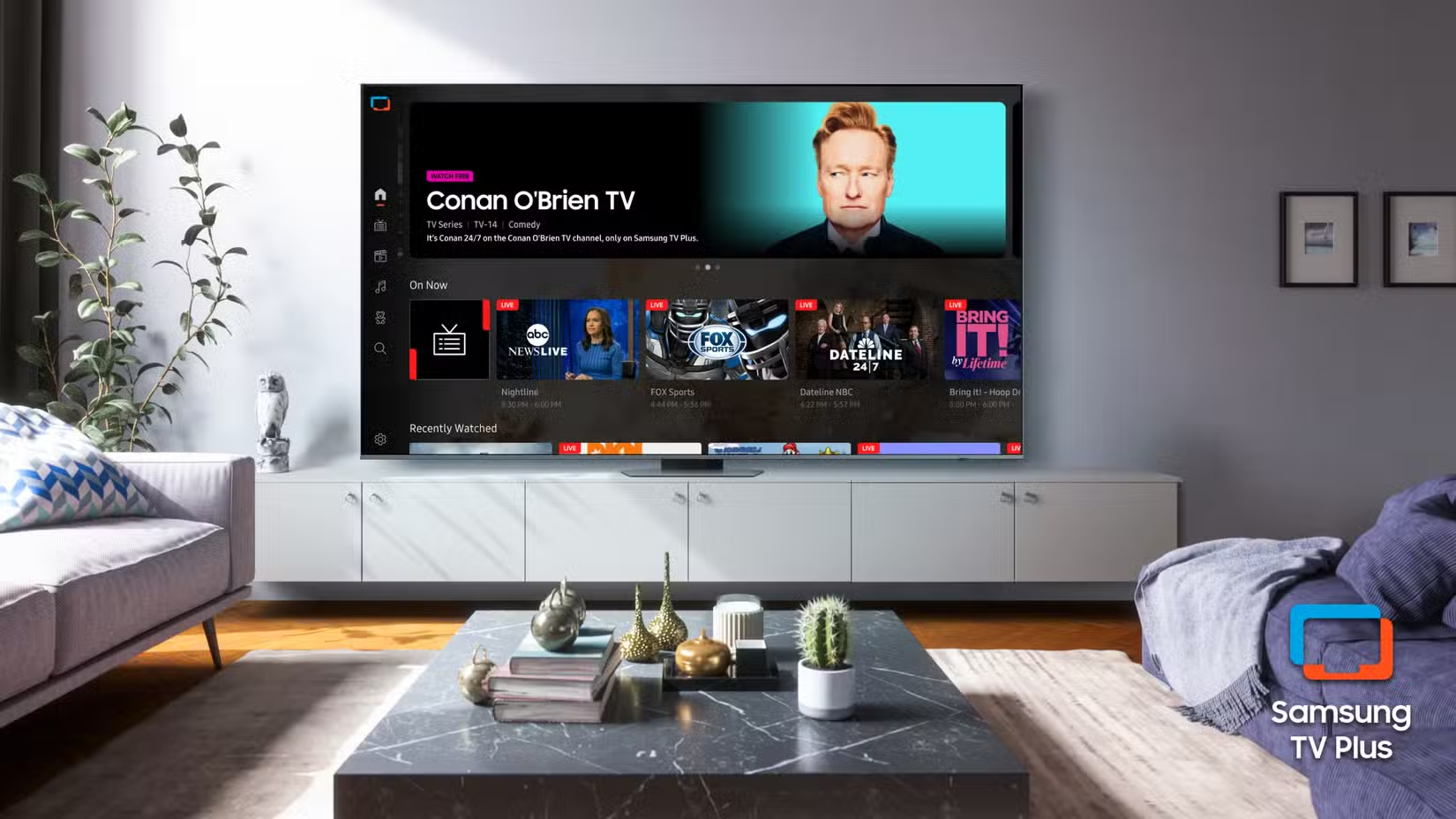
And while we’ve seen support for this on some TVs in the past, Samsung is now rolling out support for Google Photos on some of its TVs for 2026.
The news comes direct from Google, sharing that Photos will now be available on compatible 2026 TV models (via Android Authority). Now, this isn’t going to be the full app experience like you’d find on your phone or the web, and will instead show off curated moments through “the Daily+ row, Daily+ app launcher, and Daily Board widget.”
The Daily+ row will provide “a selection of your memories that refresh automatically.” While the Daily+ app launcher will allow you to see these full-screen. And the Daily Board widget will again showcase memories, but in a widget. So, you won’t be able to browse your entire Photos library as you’d like, but at least this will instead provide some access with a curated look.
While it’s not as in-depth of an experience, it’s a good start. When it comes to the setup process, it’s fairly simple. You navigate to the Google Photos section on your Samsung TV, then you’ll be presented with a QR code to scan with your mobile phone. You’ll be asked to sign in if you aren’t already using a Google account on your TV.
Once the account has been connected to the TV, you’ll be asked to enter a confirmation code and to allow the TV to access the account. For the most part, it’s pretty straightforward. Naturally, there are going to be things you just don’t want to see or share on your TV. So, before you forget, you’ll want to manage what memories will appear by heading into the Settings menu.
For now, you can hide “specific people, pets, or dates from highlights.” Photos will also allow you to “choose which memories are featured in your main Photos view.” If something slips through the cracks, you will have the option to hide a memory when it comes up. Those looking to give this a try will need to have a compatible Samsung TV from 2026.
While it’s fairly limited for now, there’s a pretty good chance that this will roll out to other compatible Samsung models over time.